Mp3tag icon

Mp3tag

  3.36.1
  • 1
  • 2
  • 3
  • 4
  • 5
  • 6
  • 7
  • 8
  • 9
  • 10
3.8
/ 2 ratings

Music metadata editor for naming, tagging and sorting your audio files properly

Florian Heidenreich |
updated on August 29, 2026
Download for Windows
Managing music files from different sources can be quite difficult. Sometimes you want your files to be named properly and have proper entries for artist, album and genre, so that you can simply listen to a specific subsection of your playlist without having to create new ones manually. This can be resolved easily...

Support for various audio formats

Mp3tag does exactly that. It's a metadata editor you can use to add basic information about your audio files, such as artist, album, genre, year of release, etc. It can be downloaded and installed for free. Despite its name, it works properly with many formats other than MP3.

Navigation and default save settings

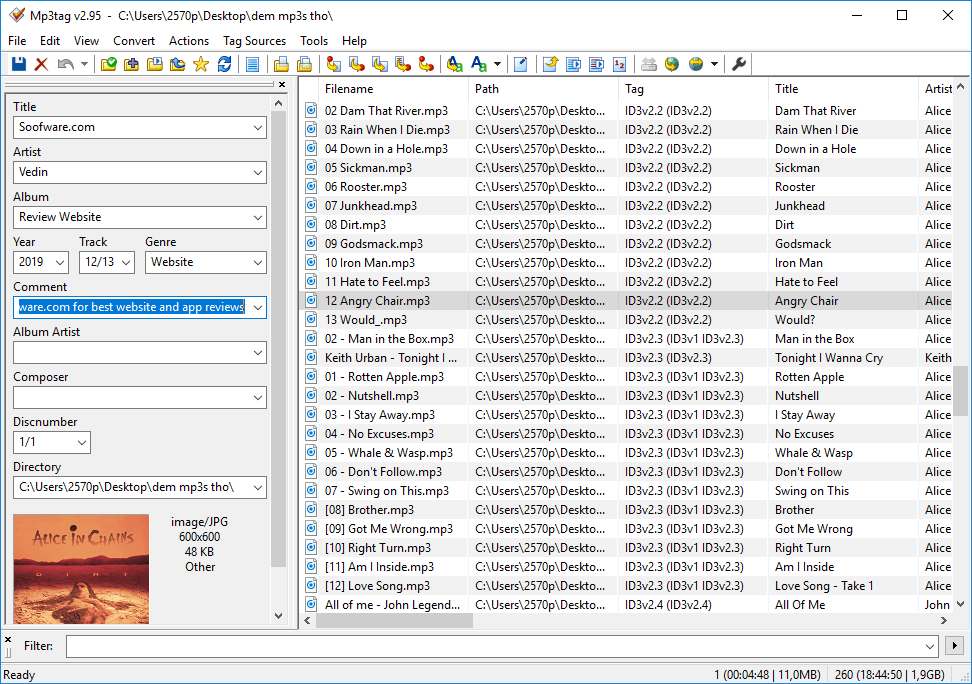
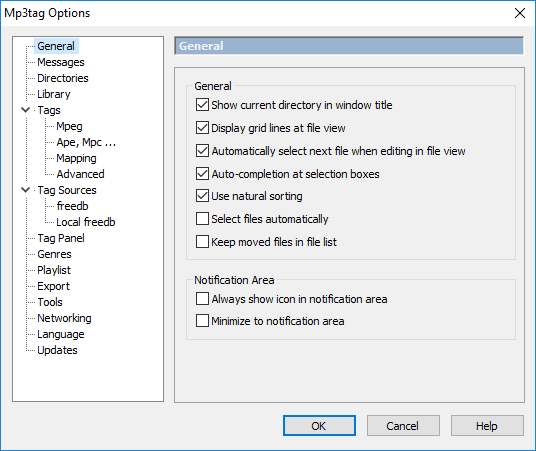
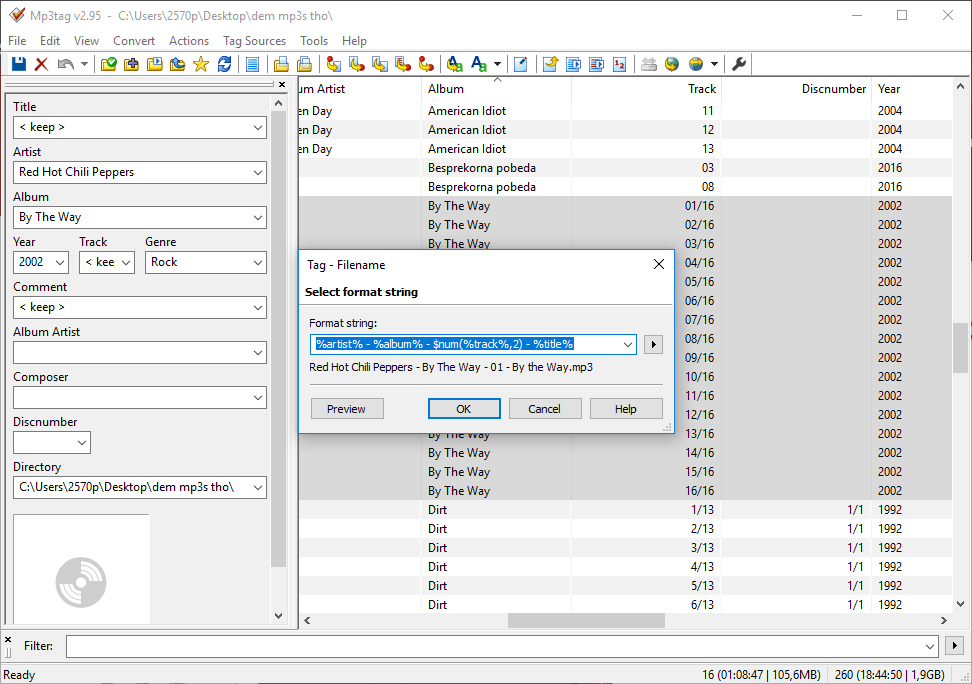
Once you install it, you should change the directory to wherever your music files are located. All files are then displayed and you can edit the info of each one by clicking on it and editing the data that appears on the left side of the screen. By default, you have to save the changes before selecting another file or they will be lost. This is slightly annoying, but it can be changed in Tools > Options > Tags.

Batch editing and advanced actions

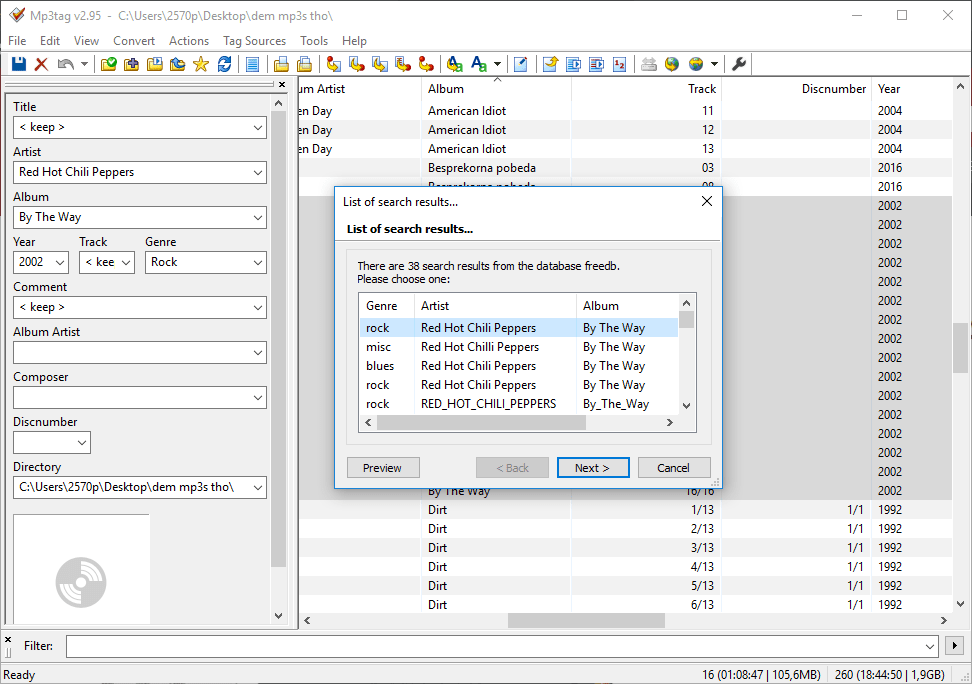
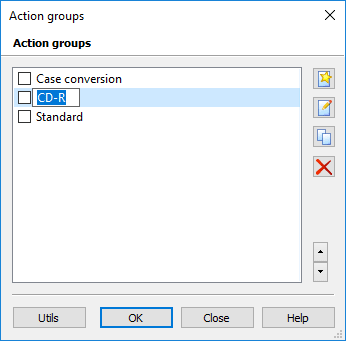
You can easily select multiple files and edit their common properties, which is useful for songs from the same artist and/or the same album. It includes some advanced features as well. The Actions menu allows you to quickly replace and fix elements for all files, such as removing fields and replacing words.

Import data from online tag sources

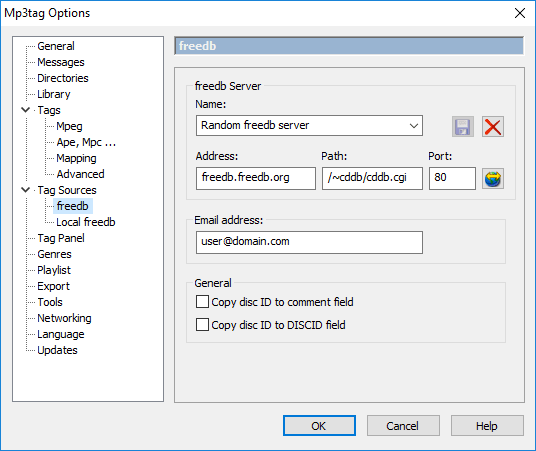
Online databases can be utilized as well. For example, selecting songs from the same album and choosing Tag sources > MusicBrainz lets you search their database for track information. If found, you can automatically change the metadata for an entire album. Note that errors can occur, especially if the songs aren't in the same order as they are on the album. Having an option to simply select a single song and automatically fill out its metadata would be handy.
Vedin Klovo
Vedin Klovo
App tester and reviewer
★★★★★
★★★★★
Editor's pick

Pros

  • Free and easy to use
  • Quite a useful tool for its purpose
  • Offers advanced features that simplify the process
  • You can edit multiple tracks simultaneously
  • You can use online databases for metadata and album art

Cons

  • Changes are not saved by default when you select a different file
  • It would be better if you could select a single song and automatically download its metadata
  • Its design is not quite modern
LicenseFree
Previous versions
Operating systemWindows
Supported languagesBelarusian, Bulgarian, Chinese Simplified, Chinese Traditional, Croatian, Czech, Danish, Dutch,
view more...
English, Farsi, Finnish, French, German, Greek, Hebrew, Hungarian, Italian, Japanese, Korean, Macedonian, Polish, Portuguese PT, Romanian, Russian, Serbian, Spanish, Swedish, Turkish, Ukrainian, Vietnamese
DownloadsTotal: 127
Last week: 0
Download for Windows